
Flintlamp ERP · Print farm
Run your print farm from one screen.
Every printer’s queue, what each one earns, the filament you will need next, and the whole farm at a glance.
Example dataPrices in USD
The problem
Six printers became twelve. The queue lives in a chat, the filament on a shelf and the costs in a spreadsheet, and nobody can say which printer pays for itself.
What Flintlamp ERP does
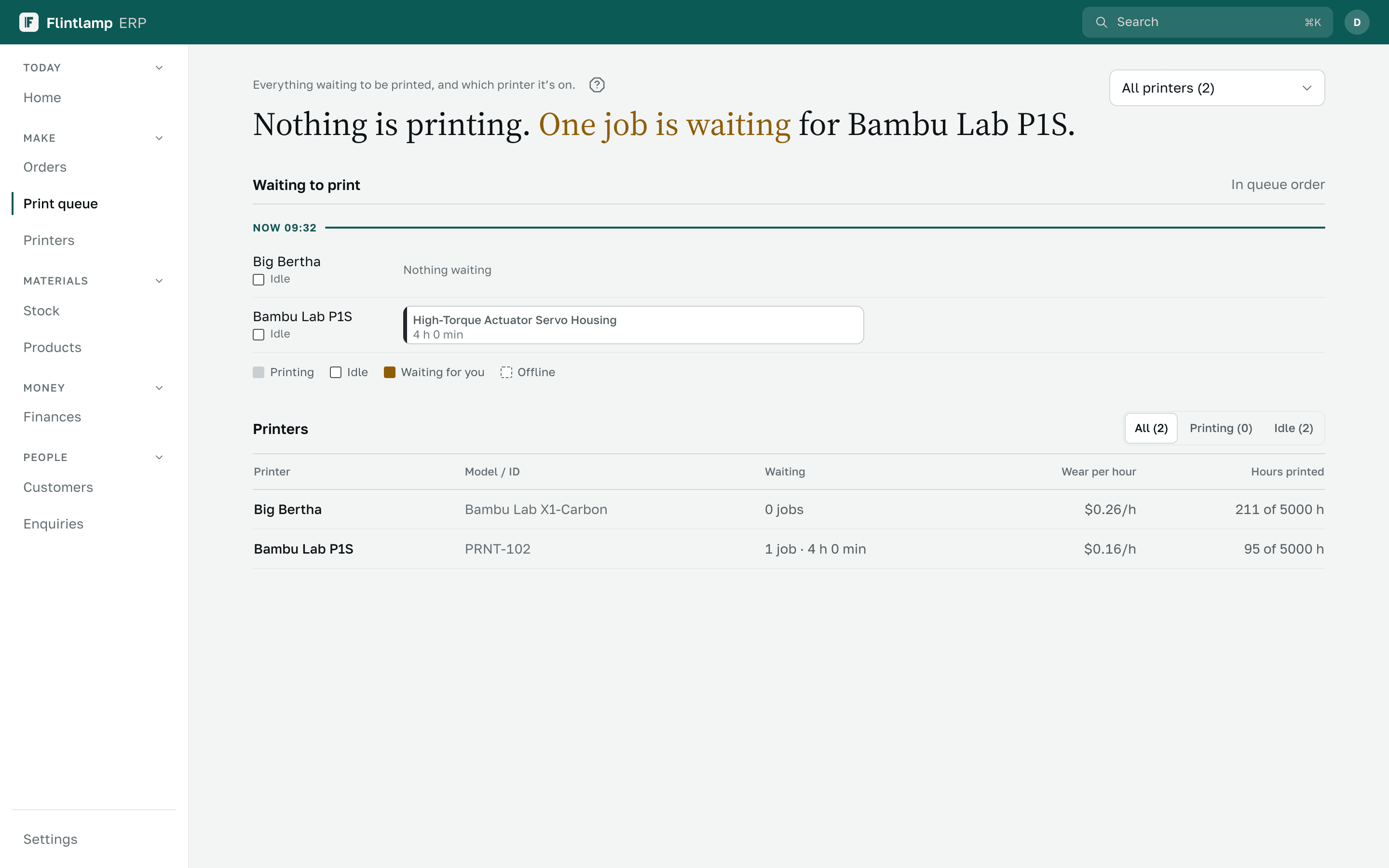
Every printer in one queue.
Each printer has its own line of jobs. See what waits next, and move a job without leaving the screen.
What each printer earns.
What a printer cost, what it has earned and how far it is paid back, with its cost per hour of wear.
Filament before it runs out.
Grams left on every spool, a colour below your minimum, and a forecast such as “runs out in about 4 days”.
Maintenance that does not wait for a breakdown.
A service interval per printer, with due and overdue marks.
Cost per job, across the whole farm.
Printer time, electricity, upkeep, labour and failed prints counted into every order.
Bambu Lab and its AMS.Ready at launch
Connect your Bambu Lab printers to see their status in the queue, with the AMS slots and colours on each printer.