
Flintlamp ERP · Orders
Every order, from the first enquiry to the delivery note.
Know what each customer ordered, the day it is needed, which printer has it and what it earns. Flintlamp ERP keeps the order, its prints, its documents and its profit in one place.
Example dataPrices in USD
The problem
Orders arrive in chats, emails and a notebook. A customer asks whether theirs is ready, and nobody can say which printer has it, what is still to print, whether it is late or whether it has been paid for.
What Flintlamp ERP does
Enquiries become orders.
Take an enquiry into an order in one step. The customer comes with it.
One record per order.
Customer, items, quantities, price and the day it is needed, under a short order code such as ORD-7K3M9P that you can quote to the customer.
Items from your product list.
Choose a saved product and its price, print time, filament and parts fill in.
On track, at risk or late, before it happens.
Every open order shows an estimated finish, worked out from the print time ahead of it in the queue. On track means a day to spare, At risk means the day it is needed, Late means after it. It counts print time only, not finishing or delivery.
A queue for every printer.
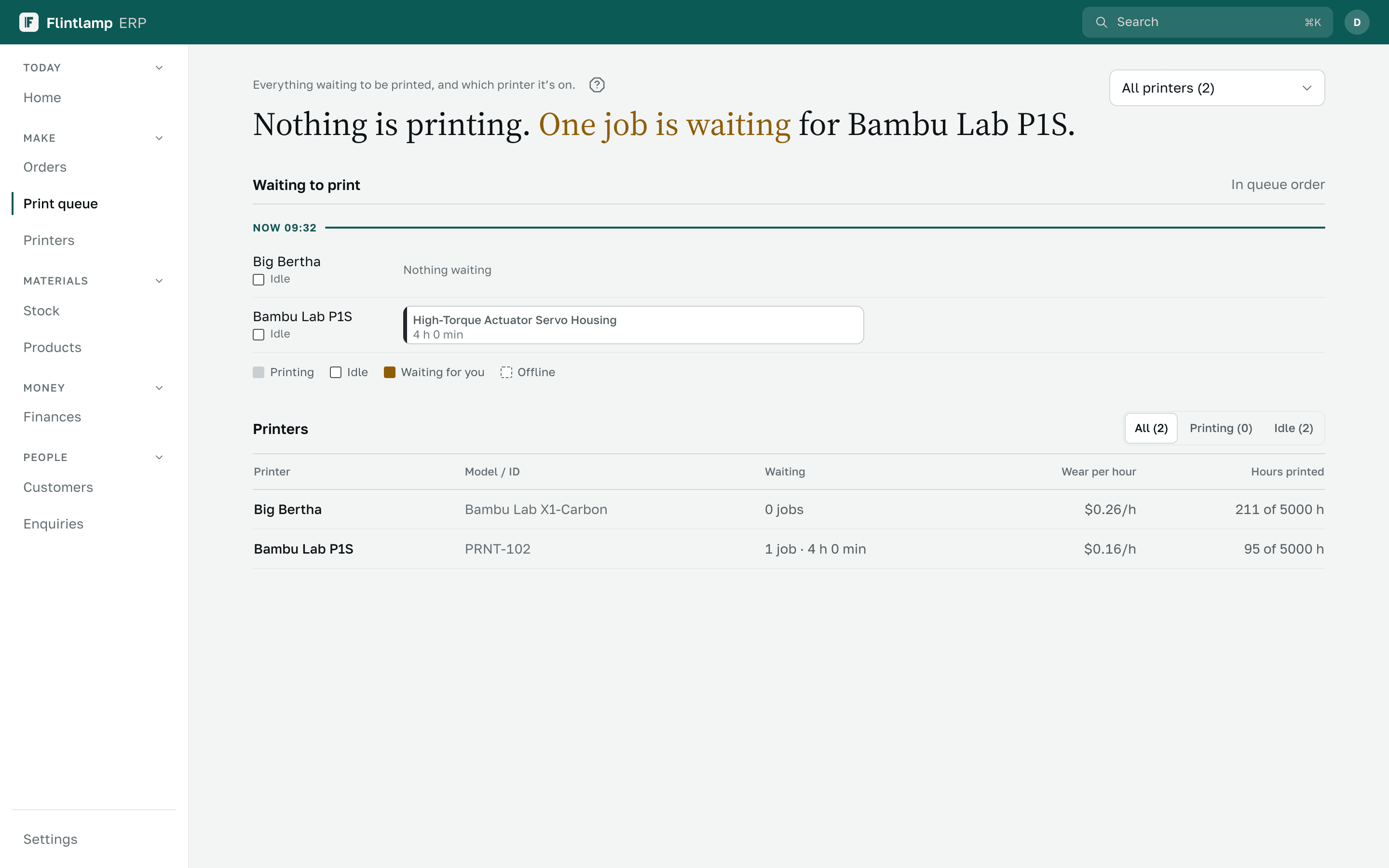
Each printer has its own line of jobs from your open orders. Choose the printer for a job and mark it Printing now.
Quotes and delivery notes.
Numbered quotes with your logo, and delivery notes that list items, quantities and colours, as a PDF or a printout. The customer signs under Received by.
Find any order in a second.
Search by customer, item, quote number or invoice number, from any screen.
What each order earns.
Sales, cost to make and profit on every order, for the people you allow to see money.
Your open orders from a spreadsheet.
Bring in the orders you have today with their items. Every row is checked before anything is saved.
Invoices and payments on the order.Ready at launch
Issue an invoice, record part payments and see at once what is paid and what is still owed.